Creating a home office that balances comfort and functionality is essential for anyone working or studying from home. A cozy and well-organized workspace can boost your productivity, reduce stress, and make your daily routine more enjoyable. Whether you’re setting up a new office or updating an existing one, these tips will help you design a space that feels inviting and supports your work needs.
1. Choose the Right Location
Consider Natural Light
Selecting a spot with plenty of natural light can improve your mood and reduce eye strain. Aim for a space near a window if possible. If natural light is limited, invest in good quality lighting that mimics daylight.
Minimize Distractions
Pick a quiet area away from high-traffic zones or noisy appliances. This will help you focus during work hours and maintain a sense of separation between work and home life.
2. Invest in Comfortable Furniture
Ergonomic Chair
An ergonomic chair with adjustable features supports your posture and prevents back pain. Comfort is key since you’ll be spending long hours seated.
Functional Desk
Choose a desk that fits your space and work habits. Whether you prefer a traditional desk or a standing option, ensure it has enough surface area for your computer, notebooks, and other essentials.
3. Personalize Your Space
Add Warm Textures
Incorporate soft rugs, cushions, or throws to make your workspace feel cozy. These elements add warmth and invite relaxation during breaks.
Use Colors Wisely
Choose colors that inspire productivity and calmness. Blues and greens are known for their soothing effects, while pops of yellow or orange can boost creativity.
Display Meaningful Items
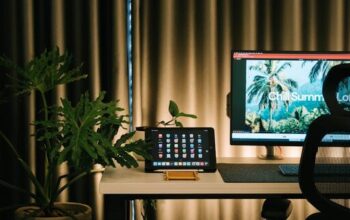
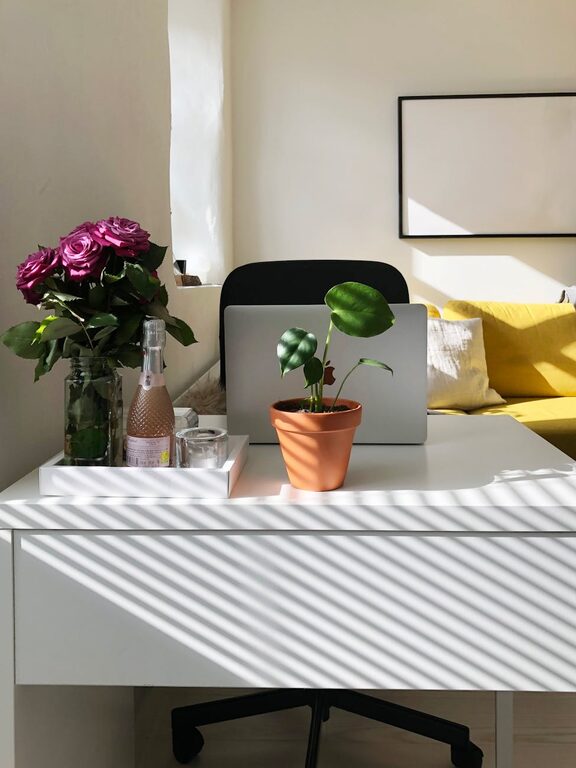
Include plants, artwork, or personal mementos that make your space enjoyable and uniquely yours.
4. Organize for Efficiency
Declutter Regularly
Keep only what you need on your desk. Clutter can distract and overwhelm, impacting your focus.
Use Storage Solutions
Shelves, filing cabinets, or desk organizers help keep papers and supplies tidy. Label containers for easy access.
Cable Management
Tidy up cables using clips or sleeves to prevent tangling and create a clean look.
5. Optimize Technology Setup
Reliable Internet
A strong and stable internet connection is crucial, especially for video calls and online collaboration.
Essential Equipment
Invest in a good quality monitor, keyboard, and mouse that fit your workflow. Noise-cancelling headphones can also improve concentration.
Backup and Security
Keep important files backed up and use antivirus software to protect your data.
6. Incorporate Elements that Support Well-Being
Break Area
If space allows, include a small corner with a comfortable chair or cushion for stretching and short breaks.
Indoor Plants
Plants not only brighten up the space but can also improve air quality and reduce stress.
Air Quality and Temperature
Ensure good ventilation and adjust the thermostat for a comfortable environment.
7. Maintain a Routine and Boundaries
Creating a cozy and functional home office goes beyond physical setup. Establish a daily schedule, take regular breaks, and set clear work hours to maintain balance.
—
By combining comfort, organization, and functionality, your home office can become a space where you look forward to working. Tailor these tips to your preferences and needs, and enjoy the benefits of a thoughtfully designed workspace.